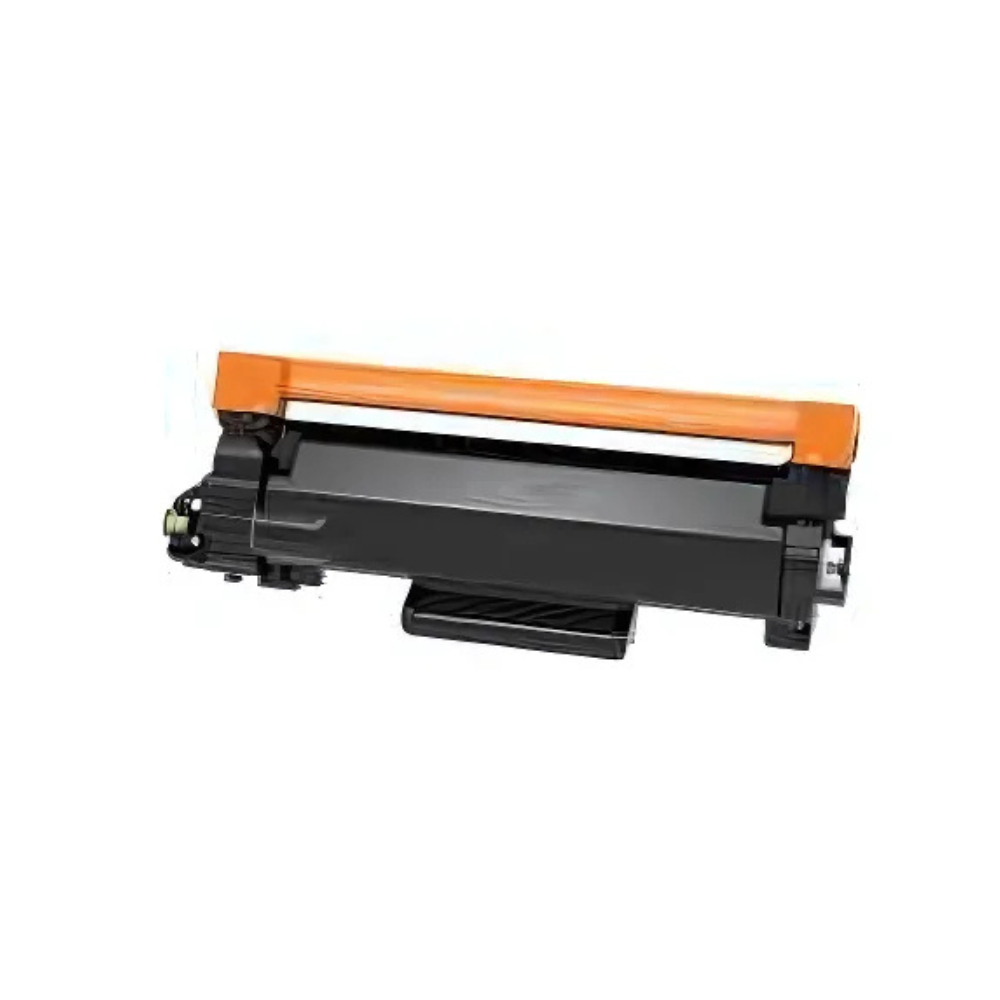
Brother TN-3440 toner cartridges
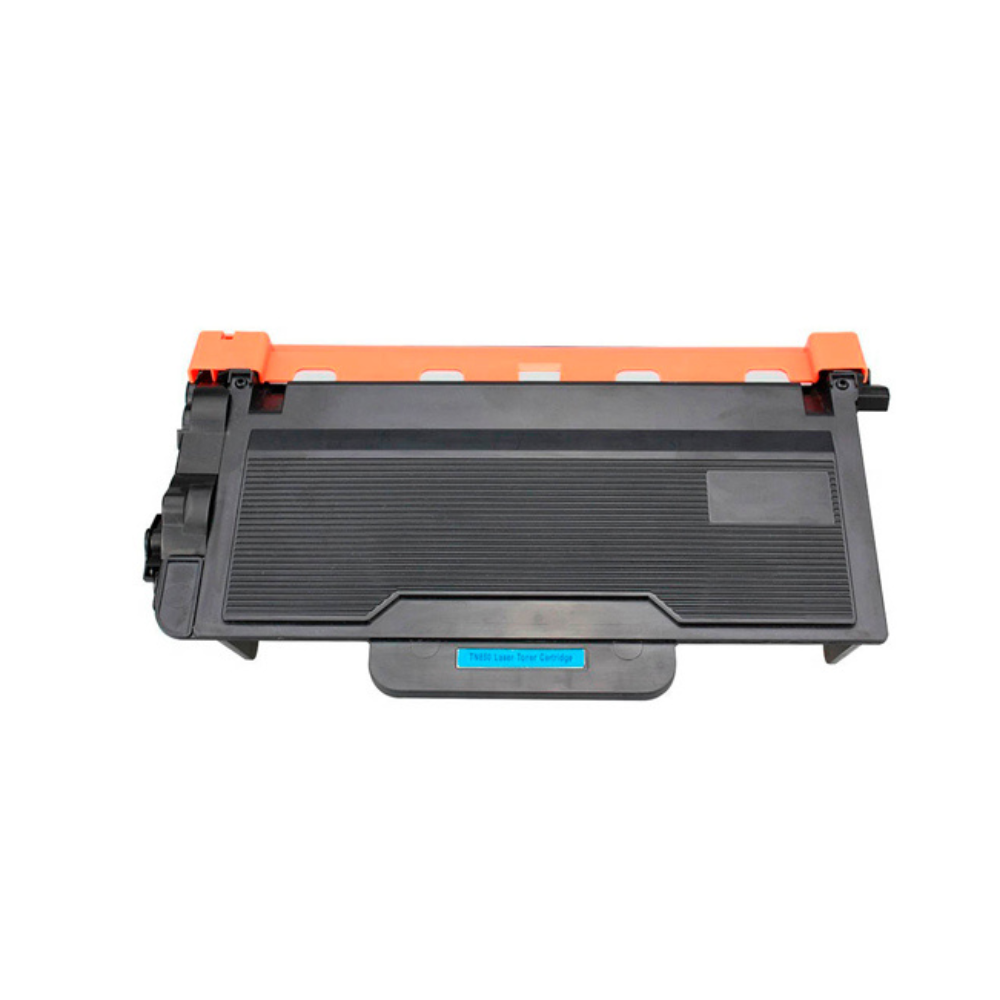
The Brother TN-3440 is a black high-yield toner cartridge rated at approx. 8,000 pages at 5% coverage. Choose a genuine Brother cartridge or a compatible replacement, in packs of 1, 2 or 10. Check that your old cartridge says TN-3440 and that your printer is listed below before you order.
TN-3440 options
| Option | Type | Pack | Pages per cartridge |
|---|---|---|---|
| Genuine Brother TN-3440 | Genuine Brother | 1 cartridge | approx. 8,000 |
| Compatible TN-3440 | Compatible | 1 cartridge | approx. 8,000 |
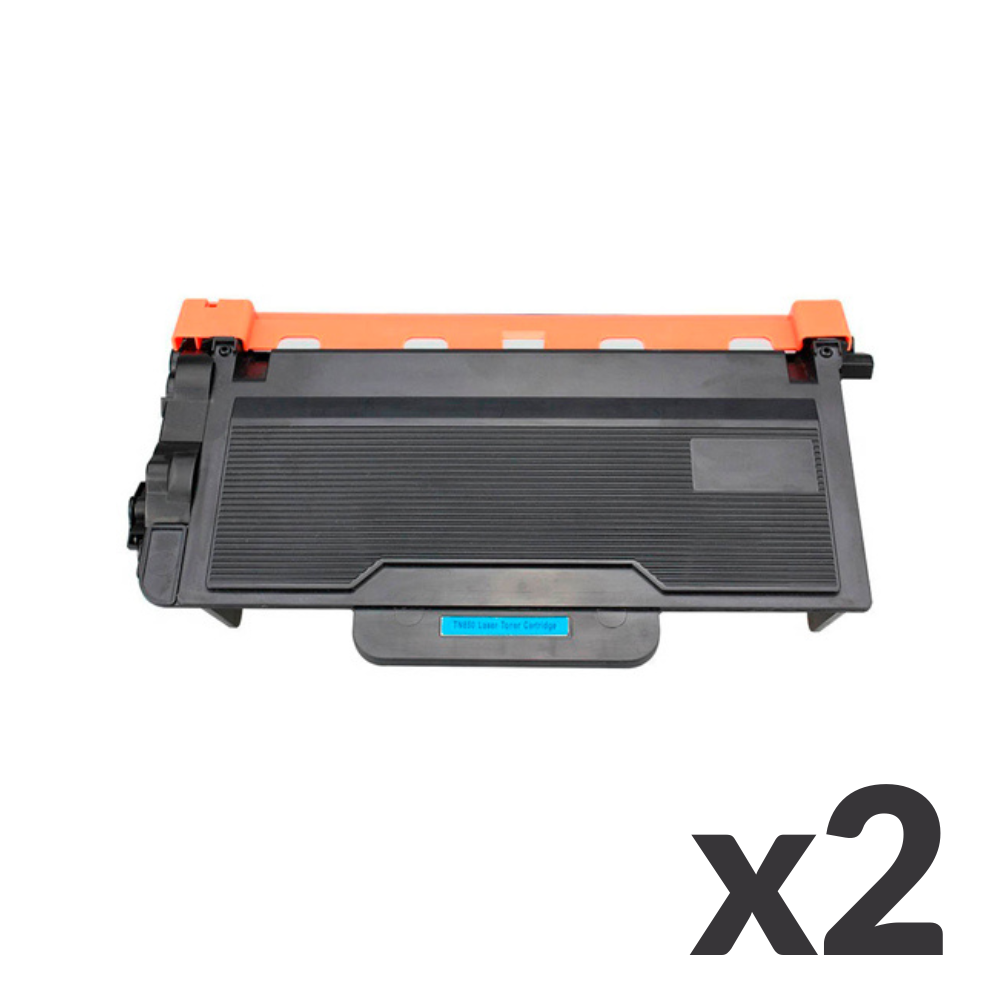
| Compatible TN-3440 | Compatible | 2 cartridges | approx. 8,000 |
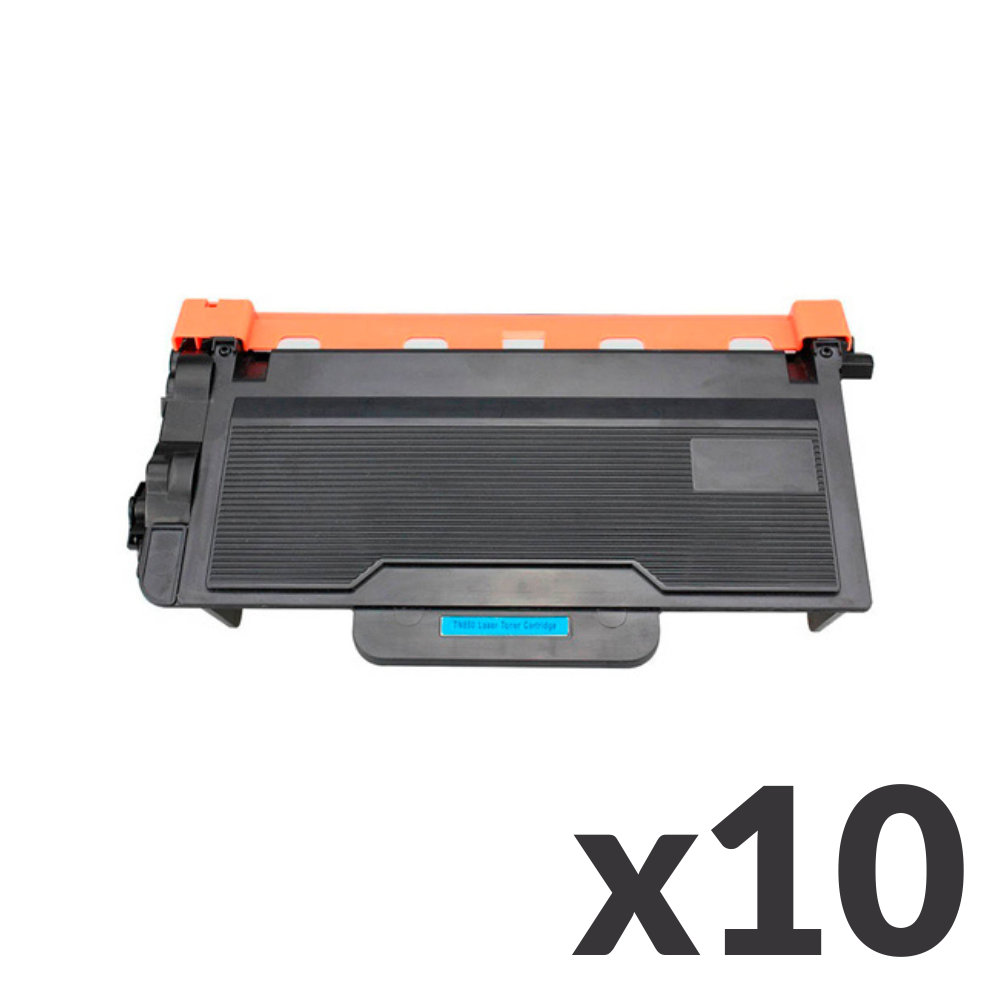
| Compatible TN-3440 | Compatible | 10 cartridges | approx. 8,000 |
Page yield is the manufacturer-style estimate at 5% coverage; real pages vary with what you print.
Printers that use the TN-3440
| Printer range | Models |
|---|---|
| HL series | HL-L5100DN, HL-L5200DW, HL-L6200DW, HL-L6400DW |
| MFC series | MFC-L5755DW, MFC-L6700DW, MFC-L6900DW |
Not sure? The cartridge code is printed on the label of your current toner and in your printer manual.
Brother TN-3440 FAQs ▾
Brother TN-3440 FAQs
Which printers use the TN-3440?
Brother HL-L5100DN, Brother HL-L5200DW, Brother HL-L6200DW, Brother HL-L6400DW, Brother MFC-L5755DW, Brother MFC-L6700DW, Brother MFC-L6900DW.
What is the difference between genuine and compatible toner?
Genuine cartridges are made by Brother. Compatible cartridges are made by a third party to fit the same printers and cost less. Both use the same cartridge code.
How many pages does a TN-3440 print?
Approx. 8,000 pages at 5% coverage, the standard test page. Pages with more text or images use more toner.
Where do I find my cartridge code?
On the label of your current toner cartridge, in your printer manual, or on the printer’s supplies screen.
New Arrival